View RXV200 or RXV81 Information
The ‘About’ screen gives you quick access to information about the
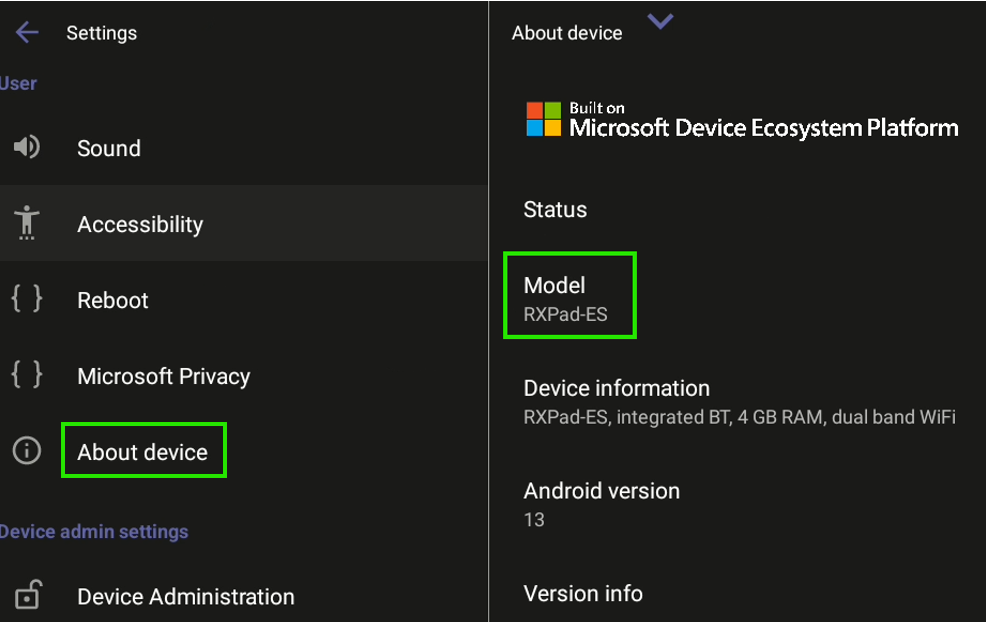
| ➢ | To access the About page: |
| 1. | Navigate to ‘Settings’ (see Access User Settings). |
| 2. | Under ‘User’, tap About device. |
If you are accessing the page from the RX-PAD, the RX-PAD device information is displayed. To view the RXV device info, tap About Front of Room device.
The Model field indicates whether the device is with MDEP (
Admins can monitor the status of the device’s software modules from the System State page (see Monitoring the System Status).